Selling big machines without shipping them
The client wants to see the machine before buying, and the machine doesn't travel. Five ways to show large equipment in a technical sale, video to visit.
 By Tesseract 3D MarketingPublished on 4 min read
In 30 seconds
- People who buy large equipment want to see it before they decide, and the machine can almost never be taken to them.
- A reference visit, a short video and the 3D model in the meeting each answer a different part of the client's doubt.
- Whatever stays on the client's table after the visit keeps working for the salesperson once they've gone.
In this article
A small machine is easy to show. It goes in the car, comes out of the box in the client’s meeting room and runs right there. With a process skid, a filling line or equipment weighing several tonnes, it’s a different conversation. The client wants to see it before signing, and what they want to see doesn’t leave the factory.
Anyone who sells heavy equipment knows how it goes: a PDF catalogue, drawings on a screen, a lot of explaining, and one question that comes back at every meeting. “But what does it actually look like?”
There’s no single way to answer that. There are several, and each one deals with part of the doubt.
Take the client to a machine that’s already running
Seeing the equipment run is still the strongest proof. If the machine can’t come to the client, the client can go to the machine: at your factory, during a factory acceptance test, or at the plant of a customer who already uses it and is happy to host a visit.
A reference visit does something no brochure can. The buyer talks to someone who has been through the same decision. On the other hand, it costs travel, diary time on both sides and goodwill from whoever hosts it. It works best near the end of the negotiation, when the decision is close, rather than as a first contact.
Shoot a short video, from the problem to the solution
A corporate video with an epic soundtrack and a drone over the plant rarely sells a machine. What helps is a short video that shows the client’s problem and the equipment solving it: the critical step in the process, the format changeover, cleaning, the maintenance job that worries the people who will run it.
Shoot it for someone watching on a phone, with the sound off, between two meetings. Subtitles, tight framing and no long intro.
A simple test: if the video only makes sense with the salesperson next to it explaining, it isn’t ready. After the meeting it will circulate inside the client’s company on its own, forwarded to people who weren’t in the room, and it has to explain itself.
Presenting a machine that never leaves the factory?
Send the 3D file or photos of the equipment. The technical analysis comes back with the scale that fits on the client's table, the material and the lead time.
Open the 3D model in the meeting
Your engineers have already modelled the equipment. Opening that model in a viewer, rotating it, hiding the covers and showing what’s inside answers a lot of technical questions on the spot. For the client’s engineer, being able to point at a component and ask “and what’s this?” is worth more than any brochure.
The limit is the screen. In a meeting with several people, whoever holds the mouse leads and the rest of the table watches from the side. And when the meeting ends, the model closes with the laptop.
Prepare the salesperson for the technical conversation
Large equipment is rarely bought by one person. Around the table sit the people who will operate it, maintain it, pay for it and answer for the decision. Each of them asks a different question, and a salesperson who only knows the commercial side loses the room.
It helps to have, for each product line, the questions that always come up, a short answer to each and the right material to show: the clip from the video, the view of the model, the data sheet. It sounds basic, and it’s what is missing most often when the product is complex.
Leave something on the client’s table
That leaves the problem of afterwards. The meeting ends, the salesperson leaves, and the decision keeps being discussed without them, sometimes by people who weren’t even in the room. All that’s left to talk about is the PDF nobody opens and whatever each person remembers.
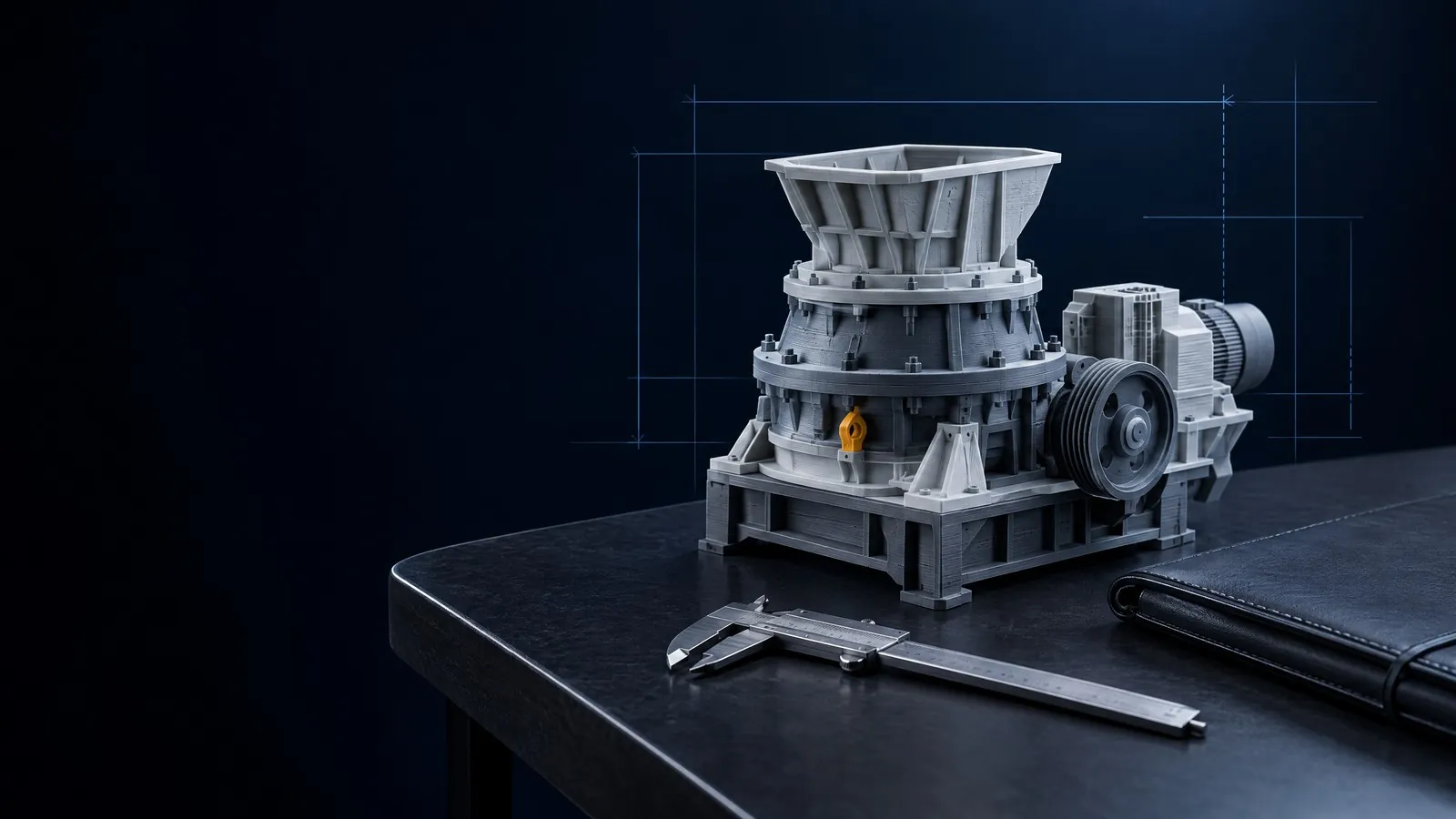
This is where an equipment scale model comes in. A replica to scale, made from the same engineering file, with every component in the position and proportion of the design, fits in the salesperson’s bag and goes on the client’s table. During the visit, everyone points at the same spot at the same time. Afterwards, it stays in the decision maker’s office and keeps showing the whole machine when the salesperson isn’t there.
It doesn’t replace the reference visit or the video. It works alongside them. The video shows the machine moving, the visit shows it in use, and the scale model keeps the machine in the room.
If your equipment won’t fit in a bag, have a look at scale models for sales demonstrations and send the file to Tesseract for a technical analysis.